SVG Animation for Icons, Logos and Web Motion

Create SVG animation from your own artwork or an AI prompt. Choose a motion preset, refine the source and download SVG, GIF or MP4.

Loading studio…

From Still Artwork to Moving Vectors

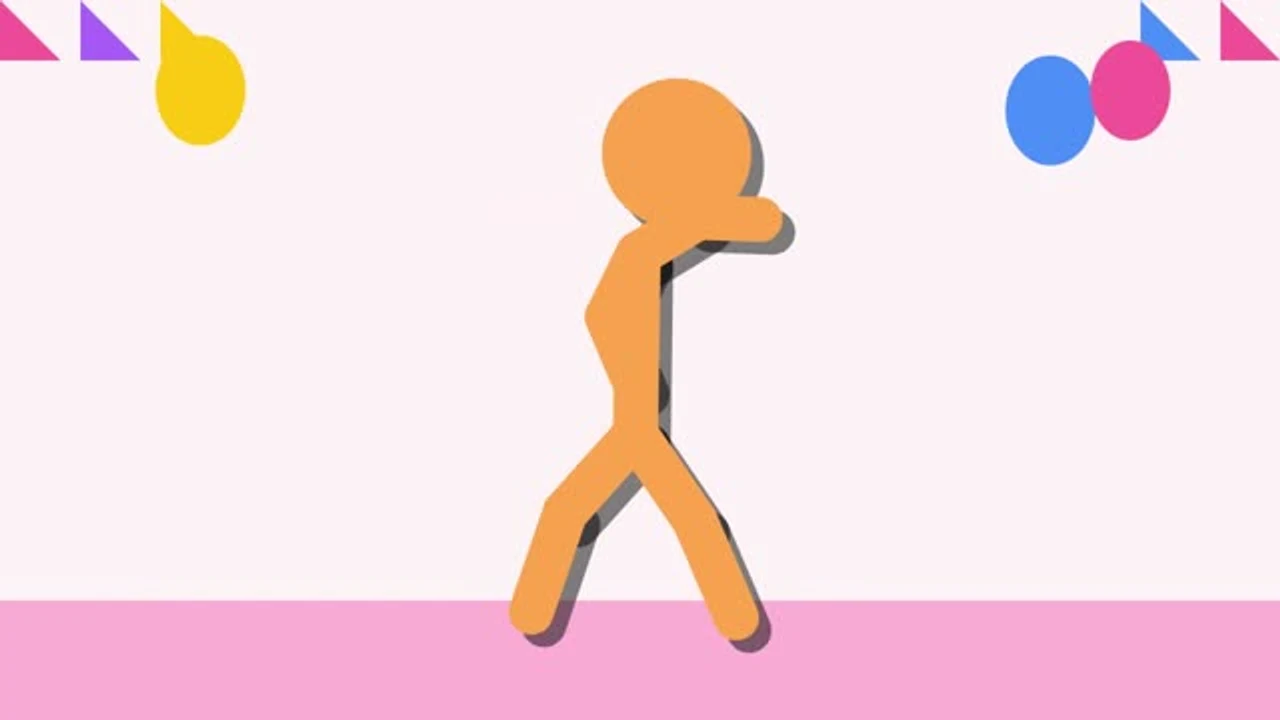
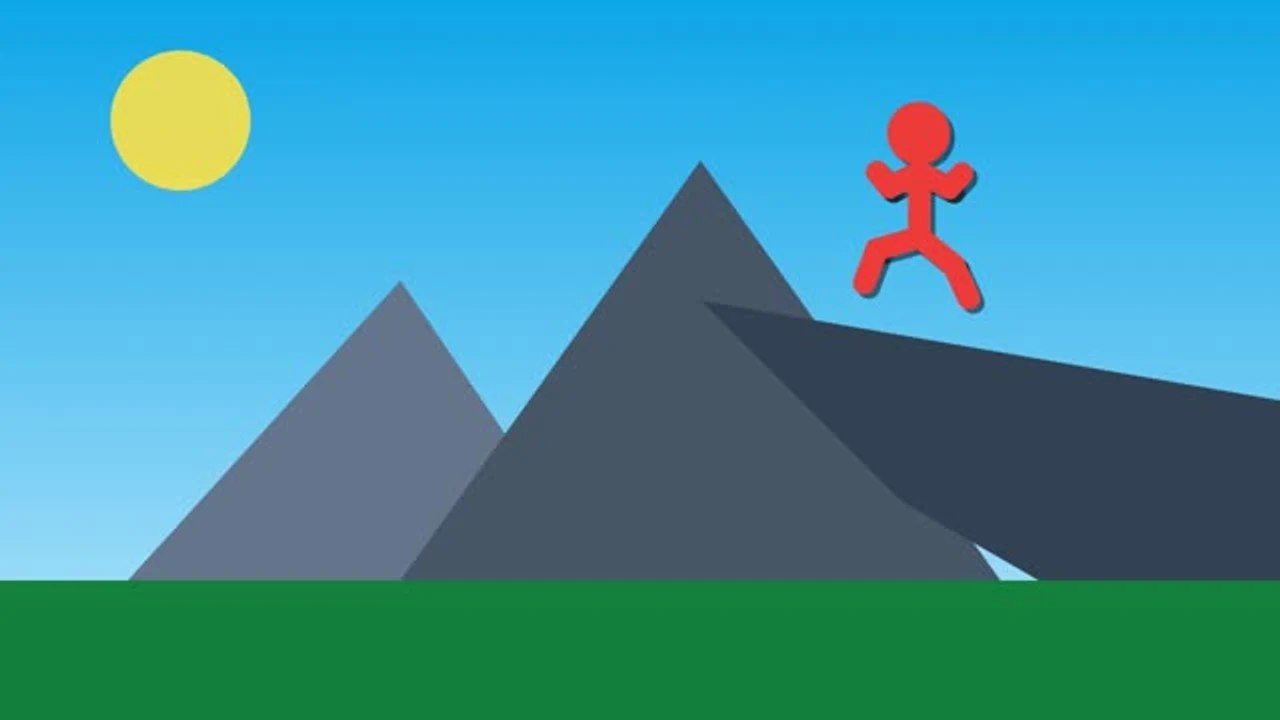
Compare still artwork with its moving version. This SVG animation pairs simple shapes with a repeating movement, showing how timing can bring an icon or illustration to life.

Loading example…

How to Animate SVG Online

Animate Your SVG

Bring your SVG

Upload existing vector artwork, paste self-contained source, or describe a new scene when you want AI to help create the starting design.

Shape the motion

Choose a preset, adjust duration and looping, then play or scrub the preview. Refine source or request a targeted change to the current SVG.

Download your animation

Keep SVG markup for vector delivery, or export a short GIF or MP4. Save a project file when you want to continue editing later.

Animated SVG with Editable Vector Source

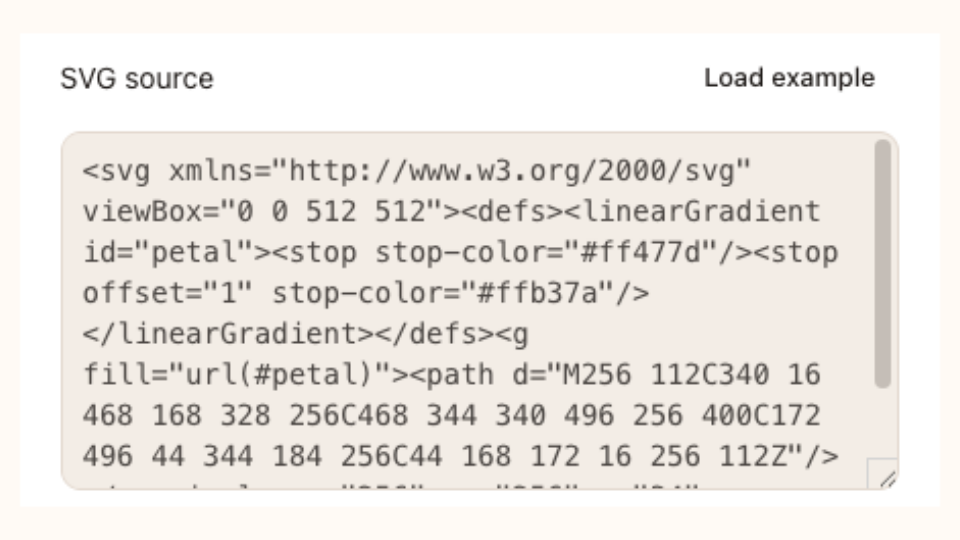
SVG source field with editable vector markup in SVG Animation

Keep Your Vector Artwork Editable

Start SVG animation with paths, shapes and text you already have. Upload a vector file, inspect its source and apply a preset while keeping the artwork editable for later changes to its colors, proportions or details.

Animate Your SVG
Metallic wordmark

Describe a Scene, Then Refine Its Motion

Use the SVG animation generator to describe a subject, palette and movement. Review the returned vector source, then request a focused AI revision when a color or detail needs adjusting within the existing composition.

Animate Your SVG
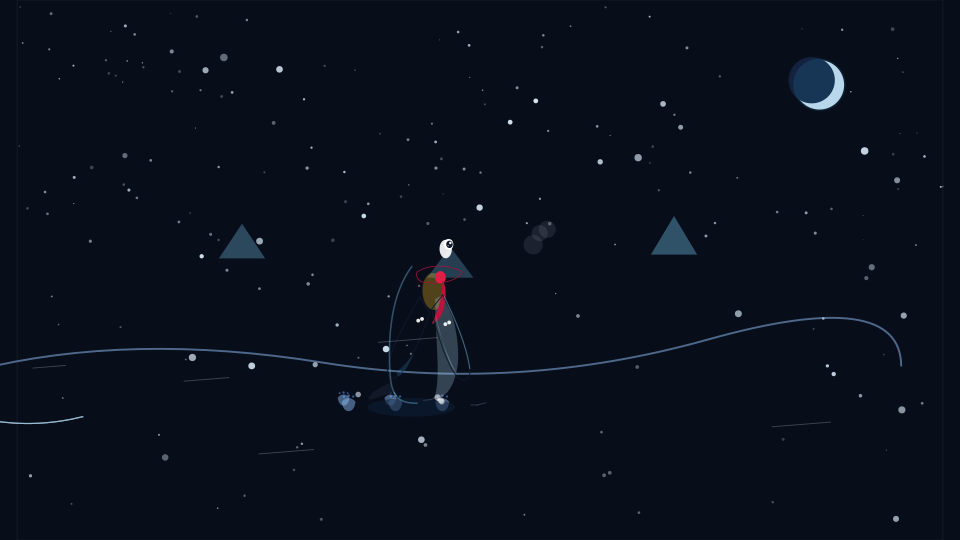
Penguin walking through a snowy Antarctic landscape

Take the Right File into Your Project

Export SVG animation as vector markup for supported websites, GIF for a repeating image or MP4 for a video placement. Preview the timing and background first, then choose the format your destination accepts.

Animate Your SVG

Keep SVG Animation Ready for Your Next Revision

Keep the artwork, motion settings and source together. A browser workspace lets you review SVG animation, make a focused change and prepare a file for your actual placement.

Keep a Clear Starting Point

Import the vector you already recognize and make a focused adjustment. Your accepted artwork stays available when a source edit needs correction.

See Motion before Downloading

Pause, restart, change playback speed and scrub the timeline. Check how a detail behaves through the loop before selecting a delivery format.

Mechanical identity design

Explore Another Direction

Describe a fresh vector scene or revise an existing SVG with AI. Use a clear subject and a specific change to guide the next result.

Return to Work in Progress

Save locally or take a portable project file with you. Restore source and settings together so the next session begins with your actual work.

Need fresh artwork? Start with the SVG Maker, or apply motion to an existing mark with Logo Animation.

Questions about SVG Animations

SVG Animation logo

Create Your Next SVG Animation

Start with your own artwork, explore a clear movement and keep the source. Preview the result before choosing SVG, GIF or MP4.

Animate Your SVG