Logo Animation for a Recognizable Brand Reveal

Create logo animation from your SVG mark. Try a motion preset, adjust the timing and export animated SVG, GIF or MP4 directly from your browser.

Loading studio…

See a Still Mark Become a Moving Identity

See how logo animation gives a mark a distinct entrance. Compare the still artwork with its moving version, then look at the timing, recognizable shapes and return into the loop.

Loading example…

How to Create Logo Animation

Animate Logo

Upload your mark

Bring in the SVG logo you already use, or paste its source. Check that the shapes and wordmark read clearly in the preview.

Preview Your Logo Animation

Select a preset and duration, then play the result. Use a focused AI revision when a detail needs changing while the composition stays recognizable.

Export the right file

Download vector SVG for supported web placements, GIF for a repeating image or MP4 for a video. Keep a project file for later adjustments.

A Logo Animator for Reusable Brand Motion

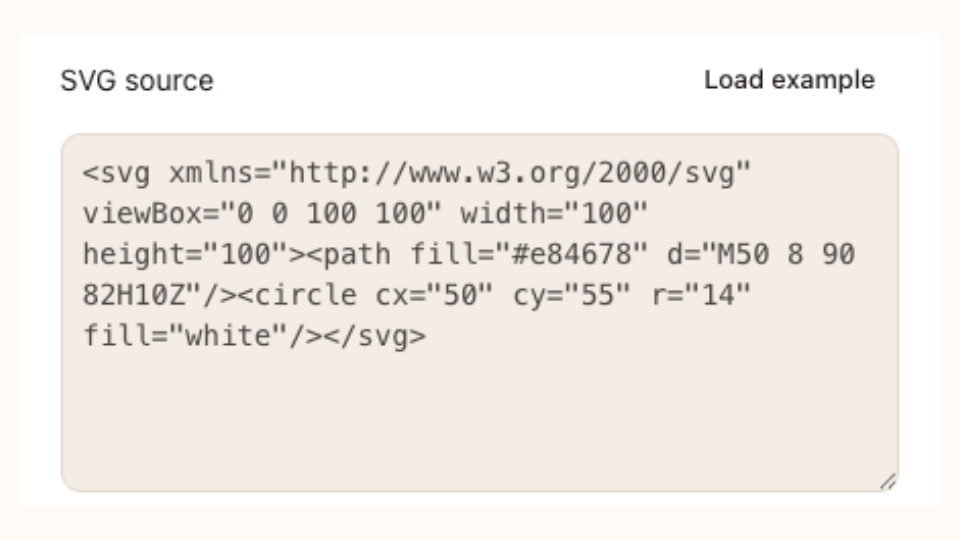
Editable logo markup in the SVG source field

A Logo Animation Maker for Editable Marks

Use this logo animation maker with your own SVG mark. Paths and text remain editable, so you can adjust a color, line or graphic detail while keeping the original identity as your starting point.

Animate Logo
Teal geometric leaf mark

Build Logo Motion around One Clear Movement

Build logo animation around a clear movement. Fade introduces a mark gently, Draw reveals its strokes and Pulse or Spin emphasizes a compact symbol. Adjust duration and looping, then inspect the complete reveal before exporting.

Animate Logo
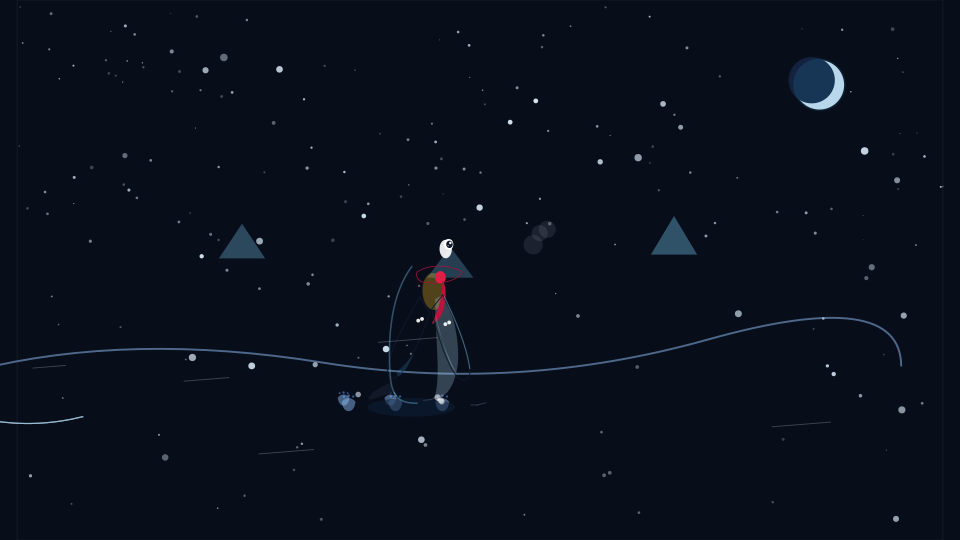
Penguin walking through a snowy Antarctic landscape

Refine Your Mark with a Focused AI Change

Use AI to revise the SVG behind your logo animation, such as changing its palette or simplifying a detail. Compare the returned source with your current work and choose which version to keep before exporting.

Animate Logo

Logo Animation That Keeps Your Mark Recognizable

Use this logo animator to prepare a recognizable reveal for a header, presentation or video. Keep vector source, inspect the loop and choose a file that fits its actual placement.

Keep the Mark Recognizable

Work from the graphic people already know. Start with a modest movement and inspect small details at the size where the logo will be shown.

Control the First Impression

Pause or scrub the reveal to inspect it. A deliberate duration helps a short introduction feel complete before its final frame or next loop.

Mechanical identity design

Reuse the Same Source

SVG keeps the vector document available for another treatment. Change the palette or timing without beginning again from a flattened video file.

Keep a Recoverable Project

Save the source and settings together, then restore them in another session. A portable project copy makes a useful handoff to your own future work.

Create a new vector mark with the SVG Maker, then explore motion for other vector artwork in SVG Animation.

Logo Animation Questions

SVG Animation logo

Create Your Next Logo Animation

Bring the SVG mark you already use, find a readable movement and preview the whole reveal. Keep editable source alongside the file you download.

Animate Logo