HTML to Video from Self-contained Web Scenes

Convert HTML to video from a self-contained HTML and CSS scene. Preview the motion, set duration and export a short MP4 or looping GIF.

Loading studio…

From an HTML Scene to Captured MP4

Compare an animated HTML and CSS scene with its captured MP4. This HTML to video example shows the same terminal illustration and movement carried into a shareable, silent video.

Loading example…

How to Convert HTML to Video

Preview your HTML

Paste a self-contained scene

Add the HTML markup and CSS for your scene. Keep images embedded and remove remote resources or scripts so the preview can render the content inside its isolated canvas.

Preview the motion

Apply the source, play the animation and scrub the timeline. Check the 520-pixel square viewport before choosing an export size, frame rate and duration for your short clip.

Download the capture

Choose MP4 for a playable video or GIF for a looping image. Keep the render within the ten-second limit, then download the file and review it in its intended destination.

HTML to Video with Source and Capture Controls

HTML and CSS source editor in SVG Animation

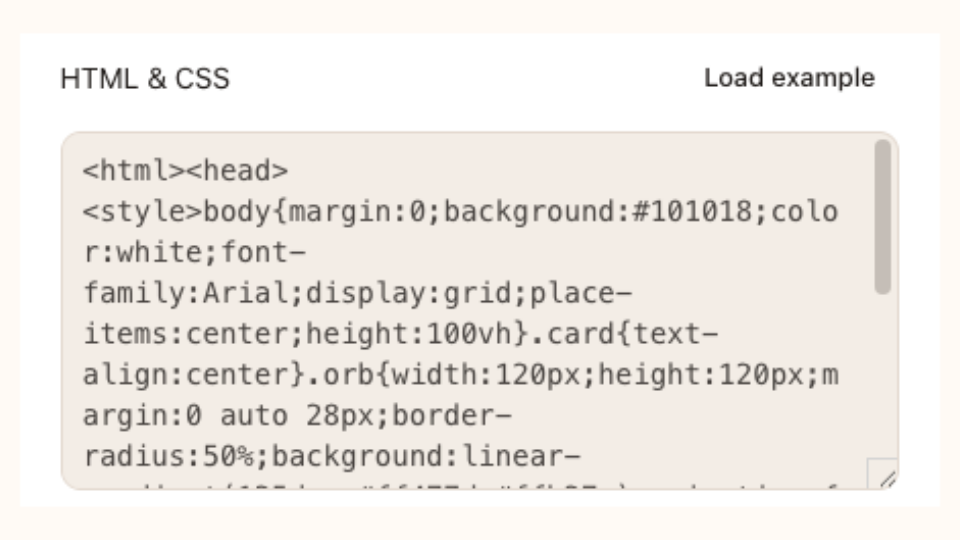
Inspect HTML and CSS Together

Prepare HTML to video in one source editor with markup and styles together. Apply a change to refresh the preview, then inspect animated cards, decorative shapes or a small diagram whose movement comes from CSS.

Preview your HTML

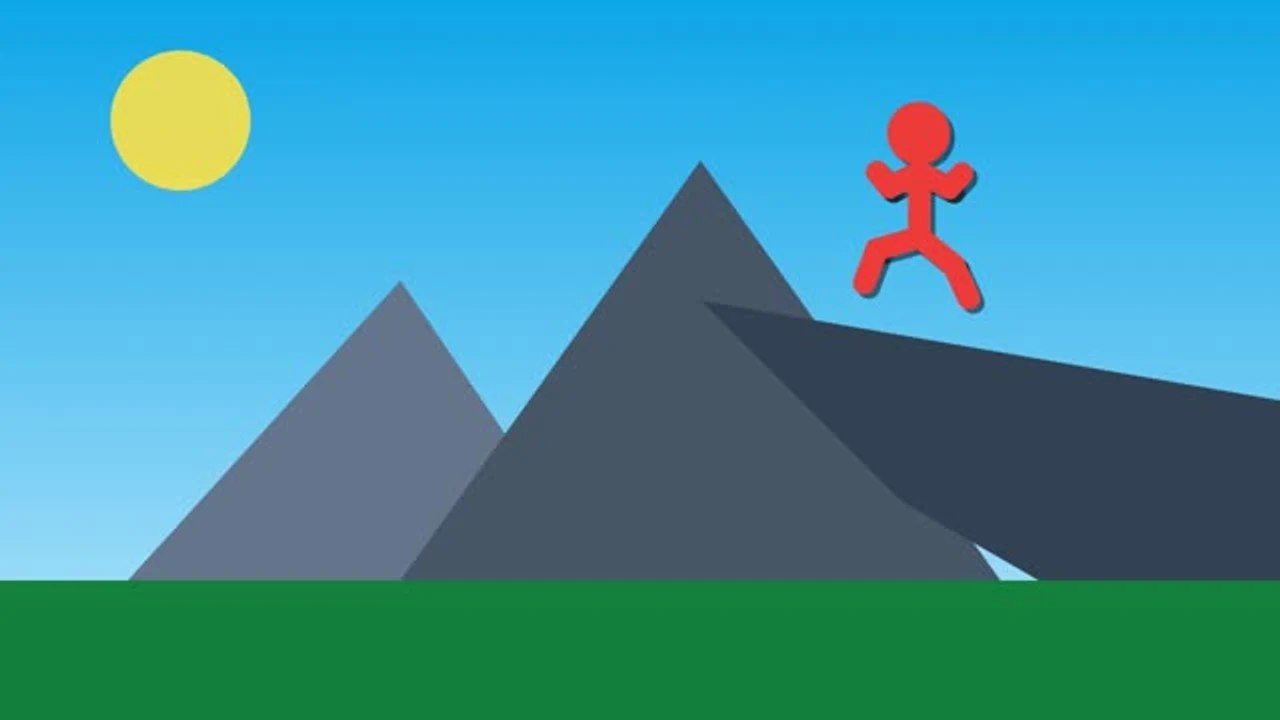
Bees around a jewelry product in a public CSS scene

Make CSS Motion Shareable

Use HTML to video to share a self-contained scene in a presentation, walkthrough or social post. Check the opening, movement and closing state first, then capture a file for places where embedding HTML is inconvenient.

Preview your HTML
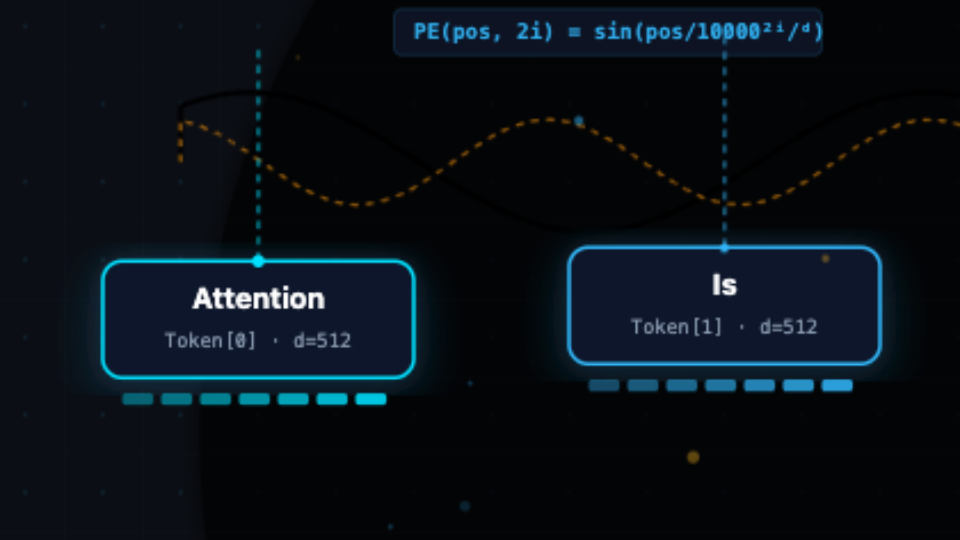
Close view of two tokens in a public HTML and SVG diagram

Control HTML to Video Capture

Choose duration, dimensions and frame rate for HTML to video capture. A brief sequence can communicate one movement clearly, while a smaller output suits compact placements. Export GIF for a repeating image or MP4 for video playback.

Preview your HTML

Make HTML to Video Fit Your Placement

Use HTML to video for a small scene you control. Keep its editable source, inspect the timing and choose a rendered format that your audience can open.

Keep the source editable

Keep your markup and styles in one place. Apply source changes and inspect the same scene before you record its visible motion.

Preview before recording

Preview the scene at the intended size. Check small text, alignment and the full movement before spending time on a video export.

Pelican riding a bicycle in a public HTML and SVG scene

Choose video or a loop

MP4 suits presentations and video timelines. GIF suits places that accept an animated image and do not need audio.

Export without AI credits

Local HTML previews and supported captures are free. Rendering happens in your browser, so larger scenes may take longer on slower devices.

Working with standalone vector artwork? Explore SVG Animation, or package your exported video as image-based JSON with MP4 to Lottie.

HTML to Video Questions

SVG Animation logo

Prepare Your HTML to Video Capture

Bring in a self-contained scene, check its movement and keep the editable source beside the short MP4 or GIF you export.

Preview your HTML