Stickman Animation from Poses You Can Adjust

Build stickman animation from a walk or wave. Adjust joint angles and poses, preview the movement and export your character as SVG, GIF or MP4.

Loading studio…

From a Simple Figure to Readable Motion

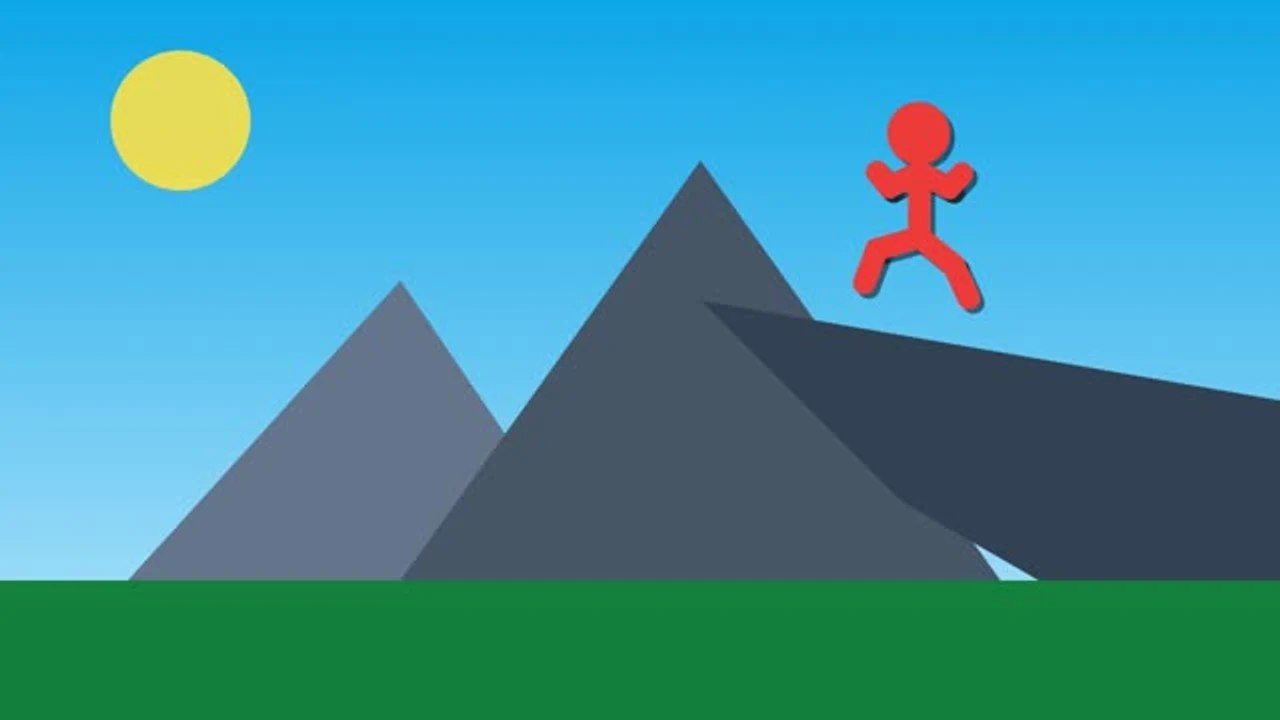
Compare a simple figure with its moving pose sequence. Stickman animation makes an action readable through changes to the silhouette, showing how small shifts in arms and legs can communicate a gesture.

Loading example…

How to Build Stickman Animation

Create Stickman Motion

Choose a starting action

Load Walk or Wave to begin with a pose sequence. Preview its movement, then select the pose that needs a different arm or leg position.

Adjust the poses

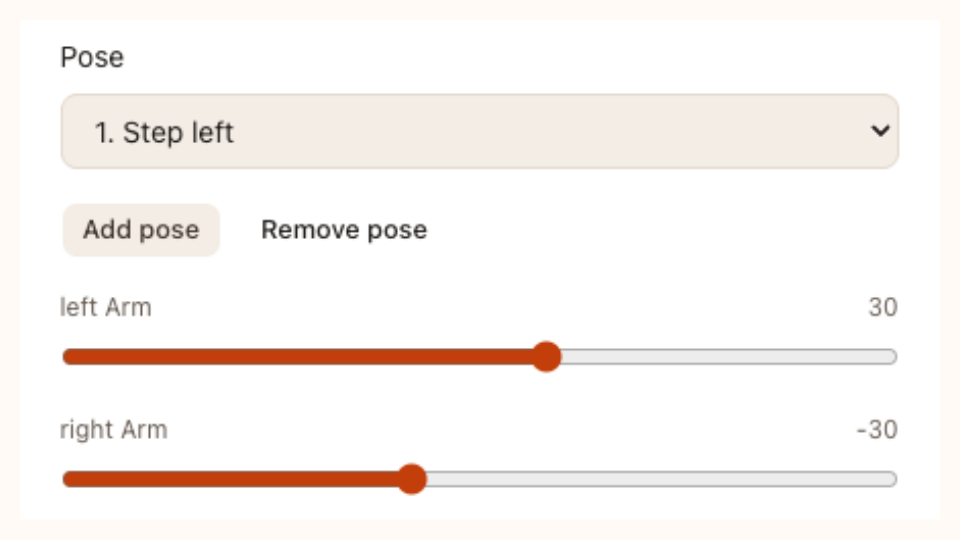
Change the available joint angles and vertical bob, or add and remove poses. Keep the action readable before choosing duration, looping and the background.

Export Your Stickman Animation

Download SVG to keep the vector motion, or prepare a GIF or MP4 clip. Save the project when you want the pose settings available later.

A Stickman Animator with Direct Pose Control

Stickman pose and joint controls in SVG Animation

Start Stick Figure Animation from Editable Poses

Start stickman animation with Walk or Wave instead of an empty frame. Inspect the included poses, decide what your figure should communicate and adjust its joints to make a short action readable in the preview.

Create Stickman Motion
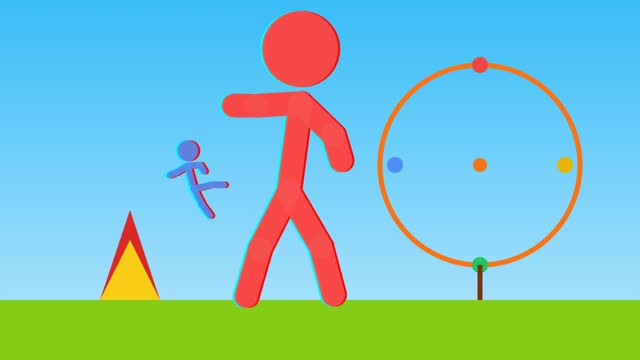
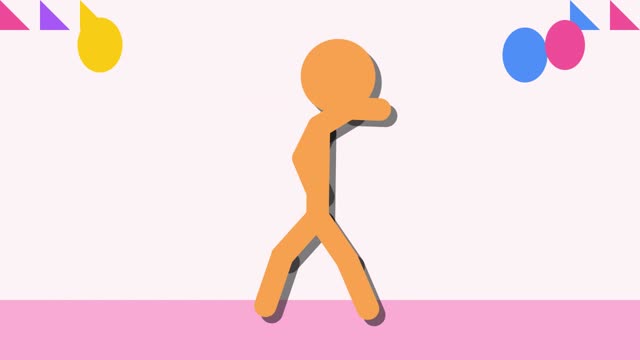
Stick figure scene

Shape Movement with Joint Angles and Poses

Select a pose in your stickman animation to adjust the arms, legs and vertical bob. Add or remove poses to shape the movement between key moments, then replay the sequence to see how those changes work together.

Create Stickman Motion
Dancing stick figure

Keep Vector Motion and Practical Review Files

Download stickman animation as SVG for vector motion, GIF for a repeating image or MP4 for a silent video. Keep the pose project as well, so a different gesture or duration starts from your existing work.

Create Stickman Motion

Give Stickman Animation a Clear Gesture

Use stickman animation when the action matters more than character detail. Focus on a recognizable silhouette, inspect each transition and keep an editable sequence for another version.

Focus on the Action

Use a simple figure to communicate a movement or gesture. Clear arm and leg positions make a short action easier to understand at a glance.

Adjust a Specific Pose

Select the pose that needs work instead of rebuilding the entire sequence. Compare the modified position with its neighbors before accepting the movement.

Stick figures following a leader

Choose a Useful Loop

Set duration and looping to suit the scene. Preview the return to the first pose so the repeat supports the action you are showing.

Keep an Editable Sequence

Save the pose settings with the project and retain SVG source with an export. Future changes can begin from the sequence you already developed.

Have other vector artwork to animate? Try SVG Animation, or package your exported MP4 as image-based JSON with MP4 to Lottie.

Stickman Animation Questions

SVG Animation logo

Create Your Next Stickman Animation

Start with a walk or wave, adjust a gesture and inspect the loop. Keep the poses and download a file that fits your scene.

Create Stickman Motion